One Platform. Every Interaction.
From polls to word clouds, slide sync to live draws — MeetingTok gives you every tool to turn passive audiences into active participants.
Live Polls
Launch multiple-choice, rating, or open-text polls and see results update in real time.
Create polls on the fly with our quick templates — Yes/No, A/B/C/D, Rating scales, and 5-Point Evaluation. Watch vote bars animate live on the big screen as responses pour in. Export detailed vote breakdowns after your event.
Learn more about Live Polls →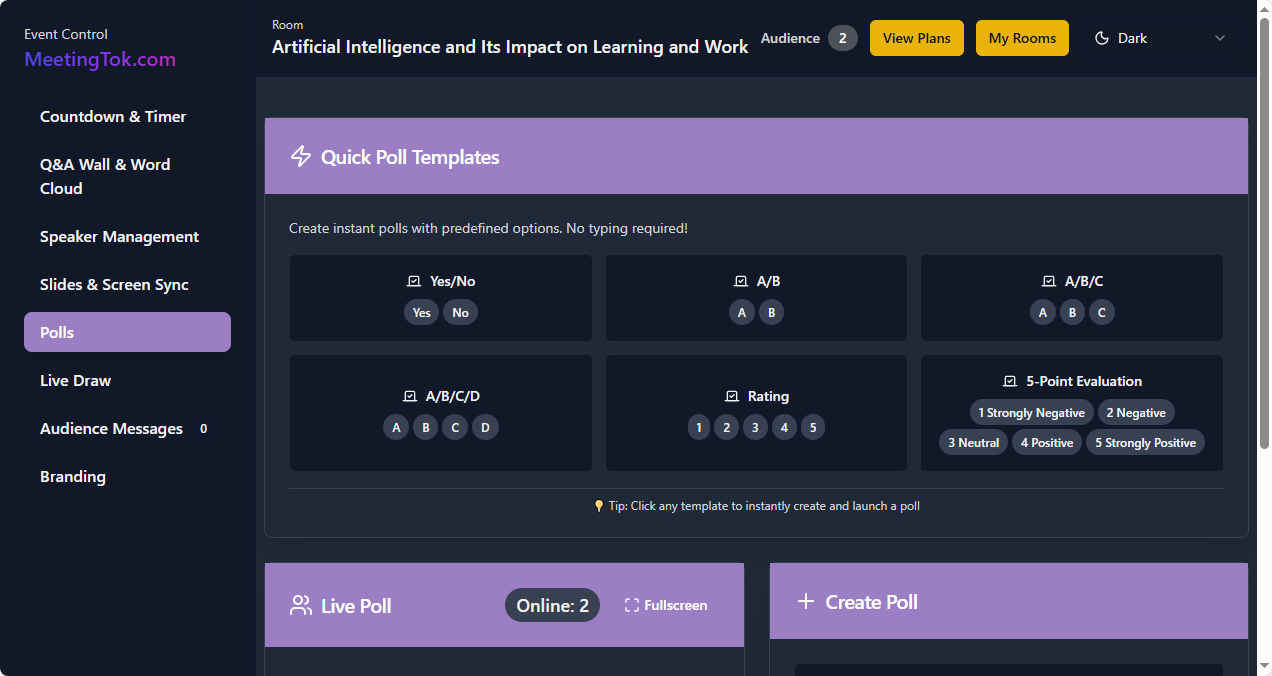
Q&A Wall
Audience submits questions anonymously. Upvote the best ones. No more awkward silence.
Break the ice at Q&A sessions. Attendees submit questions from their phones — no app required. The crowd upvotes the most relevant ones, so you always address what matters most. Moderate questions before they go live with one-click approval.
Learn more about Q&A Wall →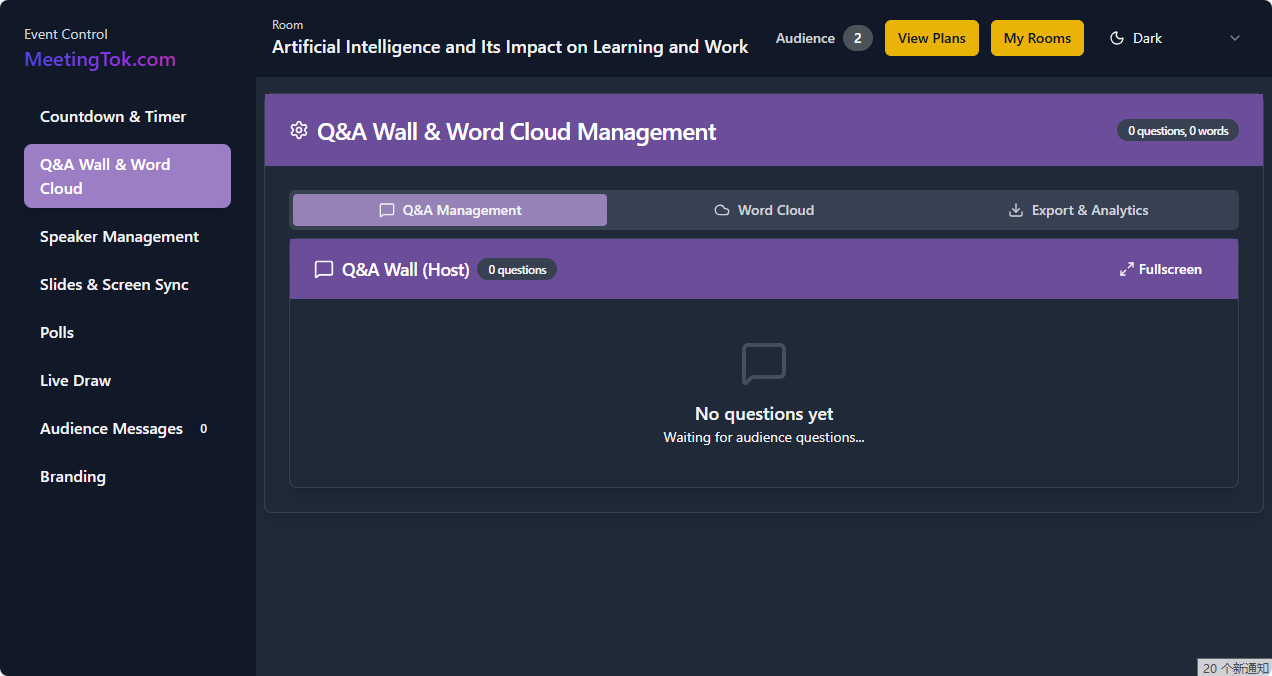
Word Cloud
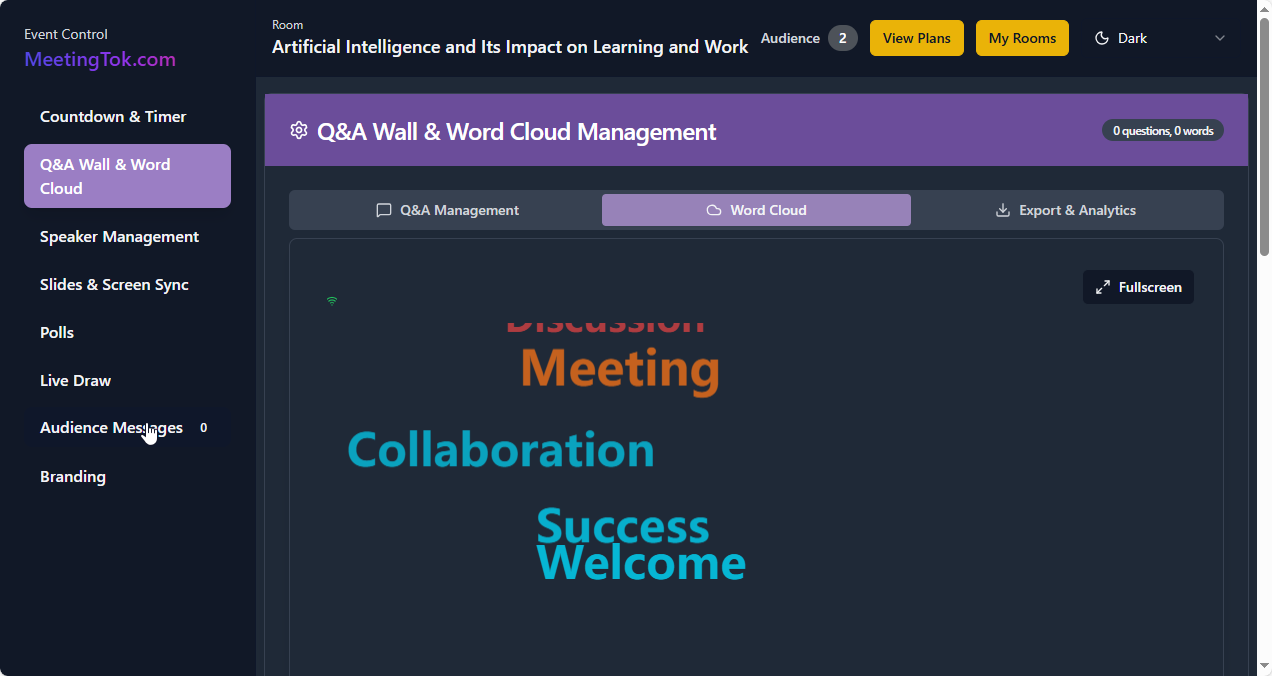
Turn open responses into a living word cloud that grows as the crowd responds.
Ask an open-ended question and watch responses transform into a dynamic word cloud in real time. Popular words grow larger automatically. Perfect for icebreakers, brainstorming sessions, and gauging audience sentiment at a glance.
Slide Sync
Mirror your slides to every attendee's phone. The back row sees everything crystal clear.
Upload your PPT or PDF and sync slides directly to audience devices. No more squinting from the back row — every attendee gets a front-row view on their own screen. Supports batch preload and presentation timer reminders.
Learn more about Slide Sync →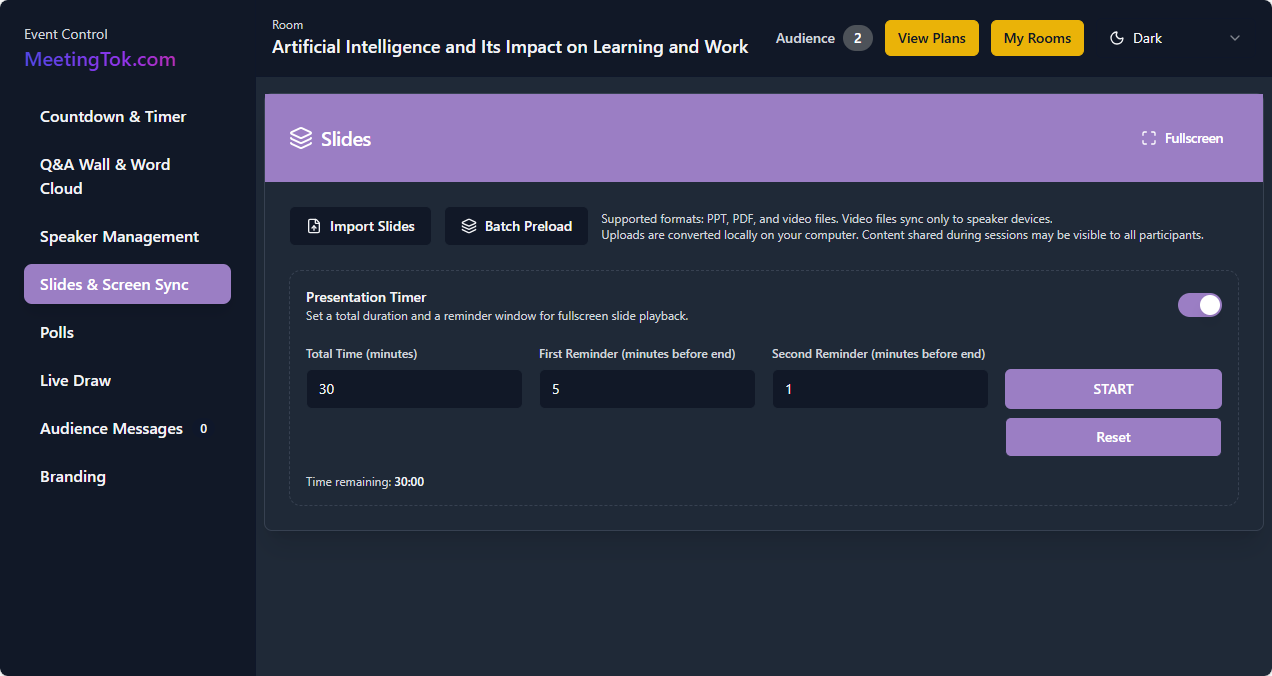
Countdown Timer
Keep speakers on track with a visible countdown for pitches, quizzes, and breaks.
Set custom countdowns with configurable reminders. A large, clean timer display keeps everyone aware of remaining time. Perfect for timed quizzes, speaker sessions, coffee breaks, and workshop segments.
Learn more about Countdown Timer →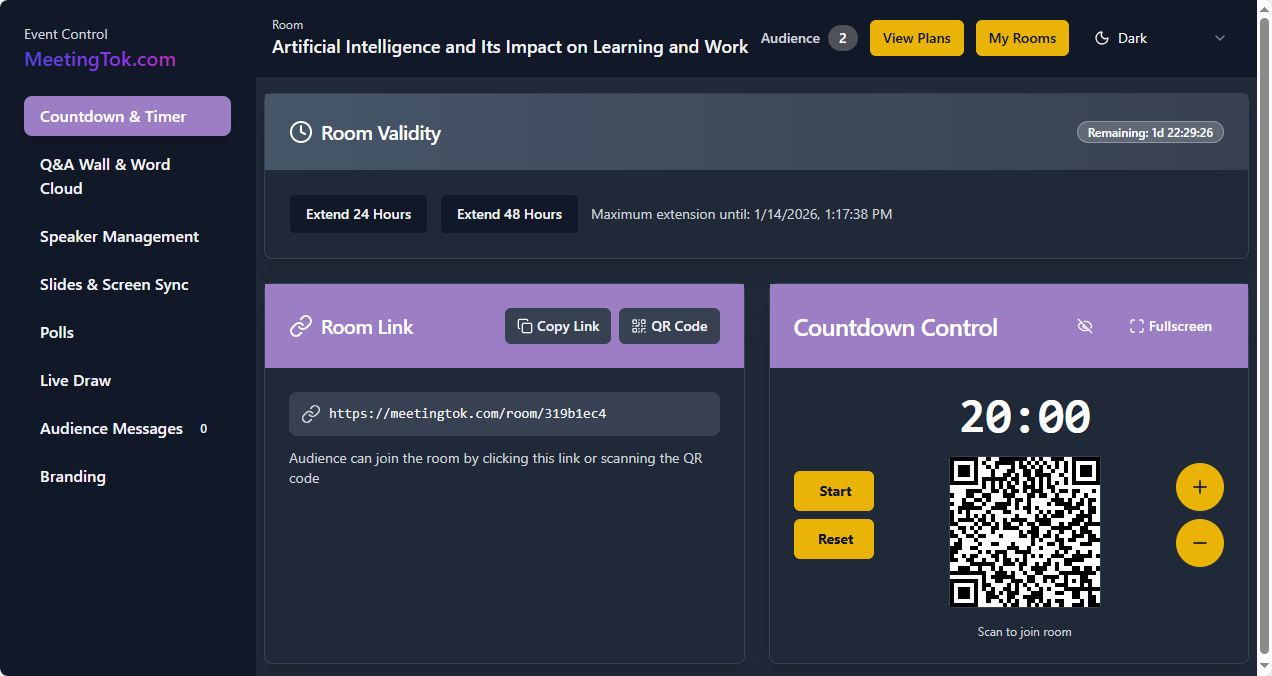
Live Draw
Run raffles and giveaways with a tap. Random winner selection on the main screen.
Add excitement to your event with live raffles. Set up prize tiers, configure draw rules, and let the system pick winners fairly and transparently. The animated draw builds anticipation and keeps the audience engaged until the very end.
Learn more about Live Draw →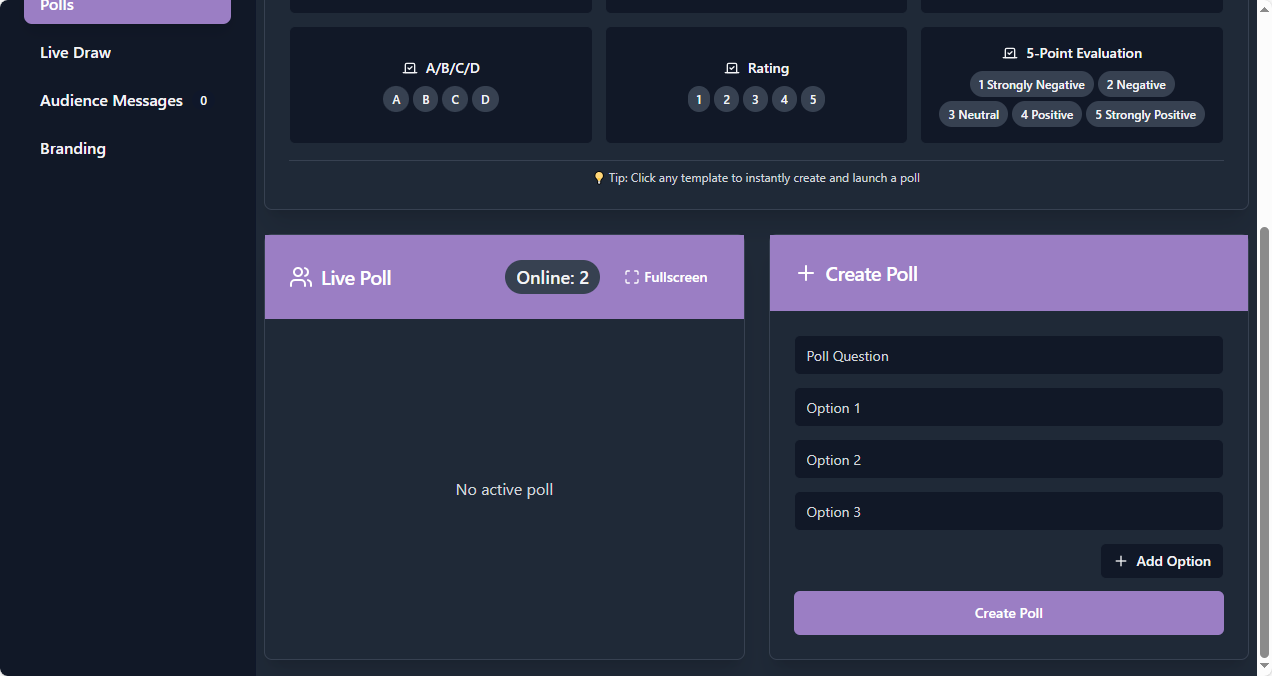
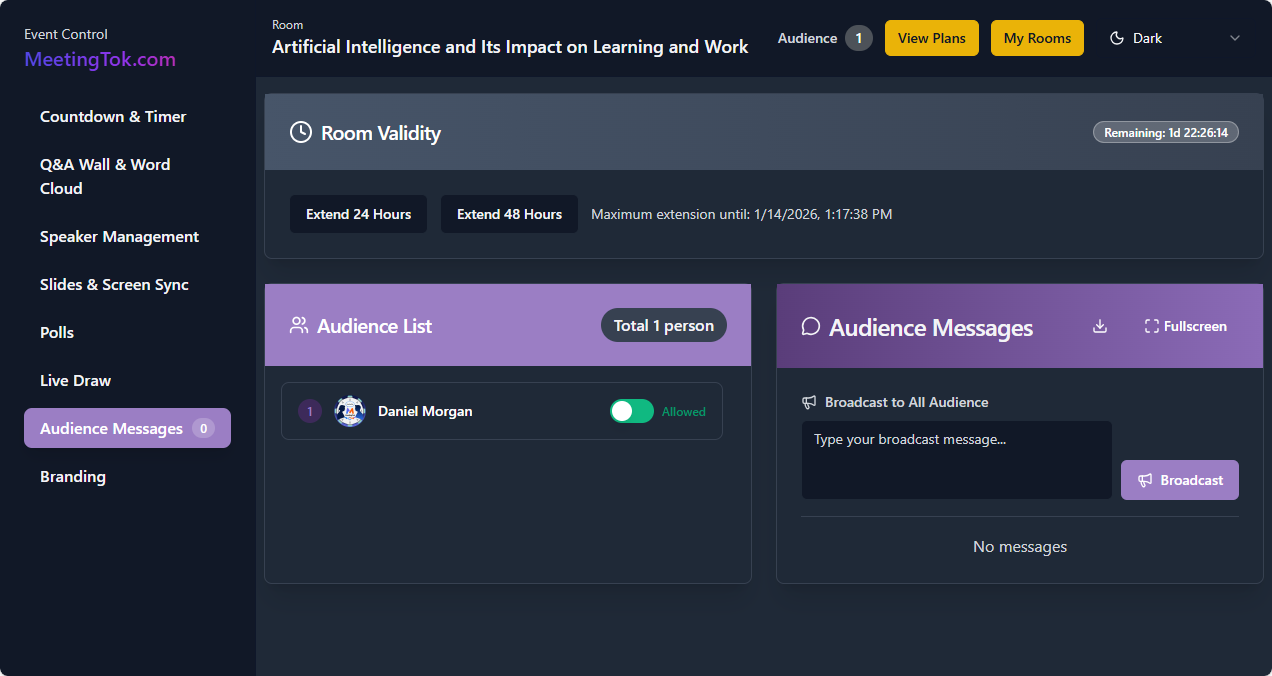
Audience Messages
Receive and broadcast messages from the room. Moderate before they go live.
Enable two-way communication with your audience. Attendees can send messages that appear on the main screen — fully moderated. Use it for shout-outs, announcements, or building a sense of community during your event.
Branding
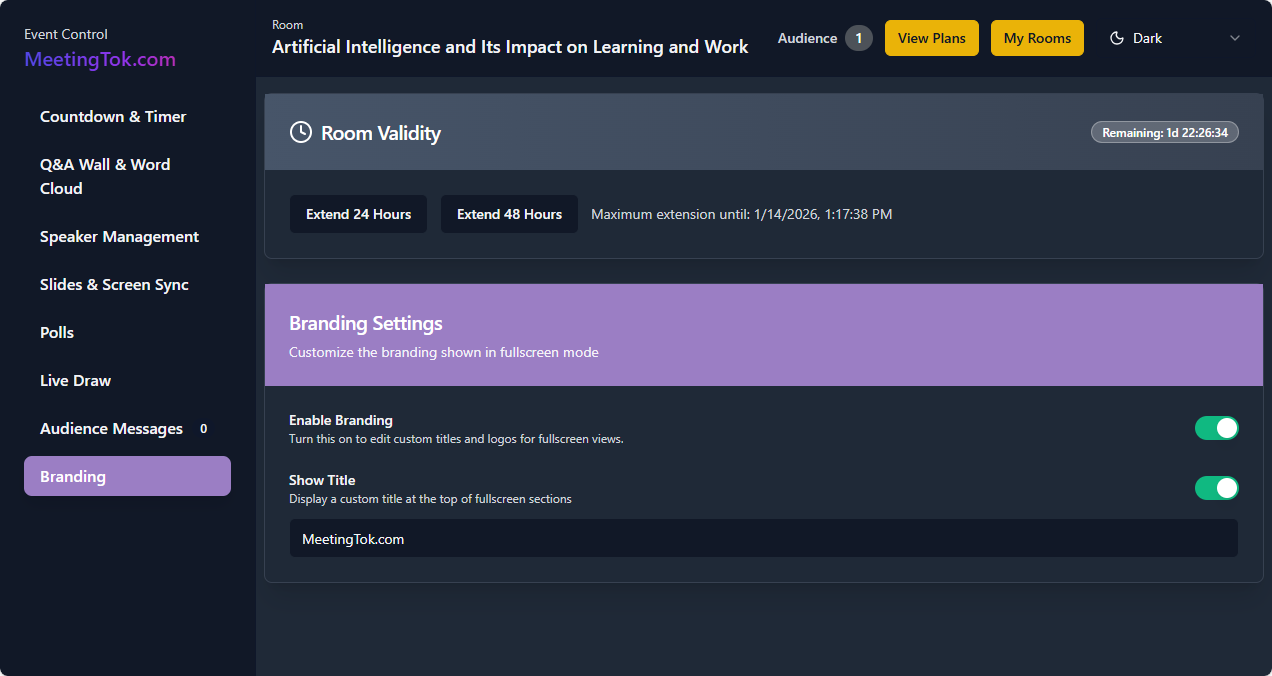
White-label with your logo and colors. Every screen feels like yours.
Customize the fullscreen display with your brand colors, logo, and event title. MeetingTok fades into the background while your brand takes center stage. Enable or disable branding elements on the fly.
Why Presenters Choose MeetingTok
QR Code Join
Audience scans and joins instantly — no downloads, no registration.
Full Moderation
Review and approve every question and message before it goes live.
Zero Latency
Sub-100ms response time ensures real-time synchronization across all devices.
10,000+ Capacity
Built to handle massive events with rock-solid stability.